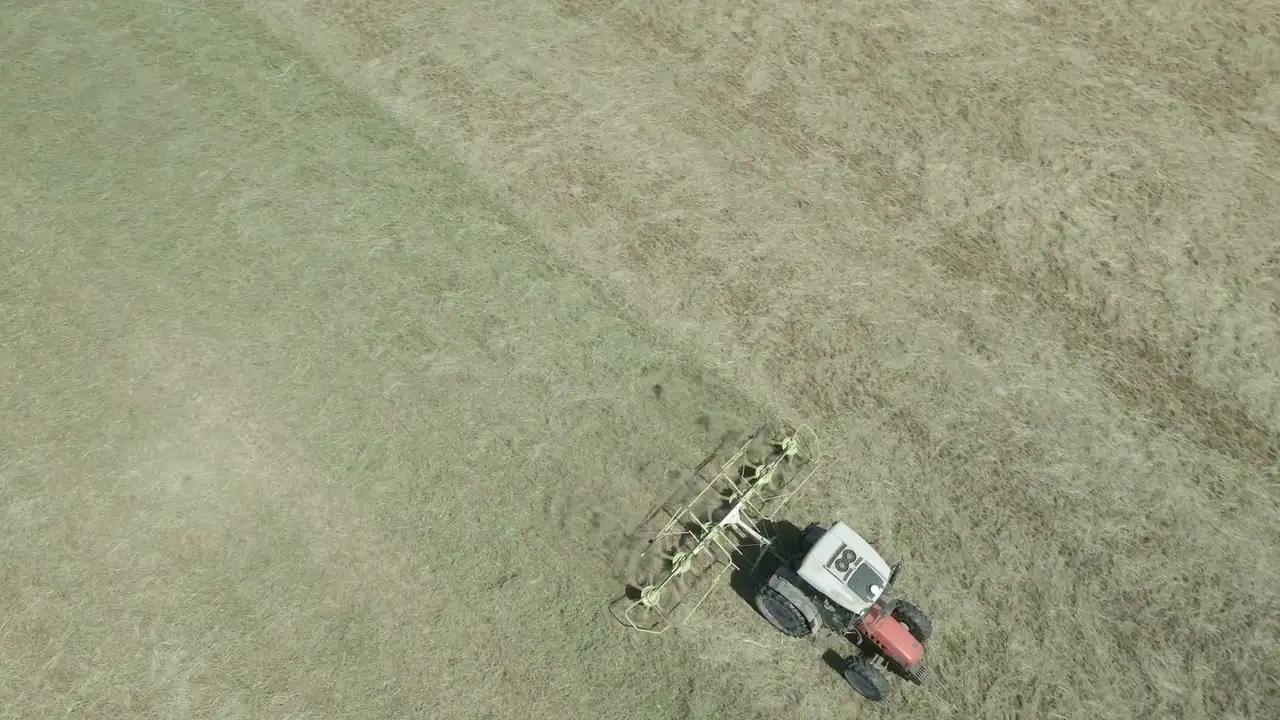
Jobs and staff
Organise the work, count the hours
Jobs to do with people, day and planned hours; «Mark done» moves them into the records and logs everyone's hours, with cost.
A job starts from a prescription or a decision, and ends in the records. In between are the people doing it and the hours they spend. Agronix keeps the three together: jobs to do with who does them and when, the weekly calendar and the hours worked, which become cost in the season's margins.
From planned job to records
Each job has farm, fields, people, day and planned hours, and says where it comes from: a prescription or entered by hand. When done, «Mark done» prepares the draft in the farm's records and logs everyone's hours.
- People, day and planned hours
- Linked to prescriptions
- Draft in the records when done
Who does what, and how many hours
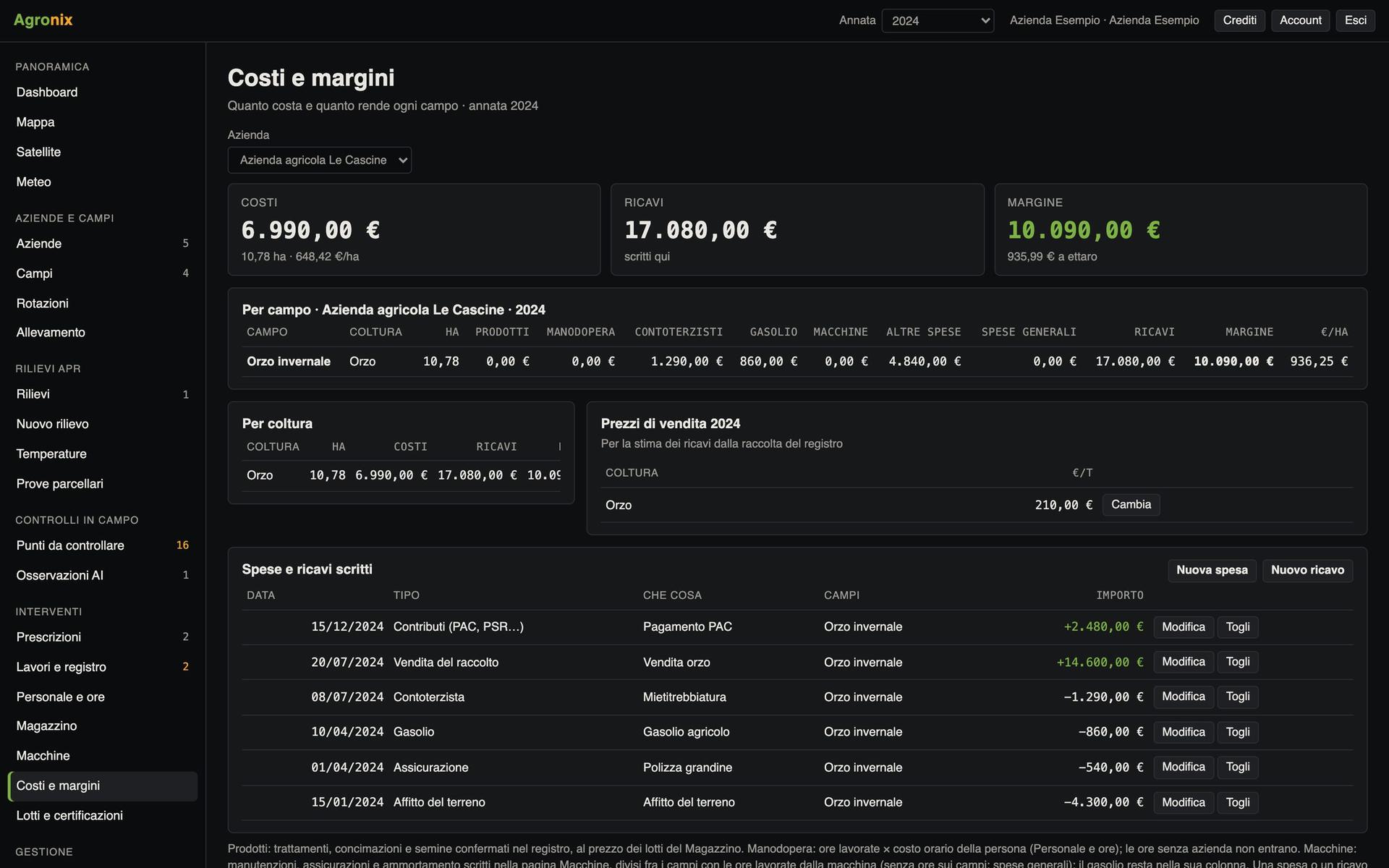
The workspace staff, including people who do not use Agronix, with role and hourly cost. The weekly calendar shows assigned jobs and logged hours; the summary gives hours and cost per person, per type of work and per field, and exports to CSV.
- Weekly calendar
- Hours and cost per person, type and field
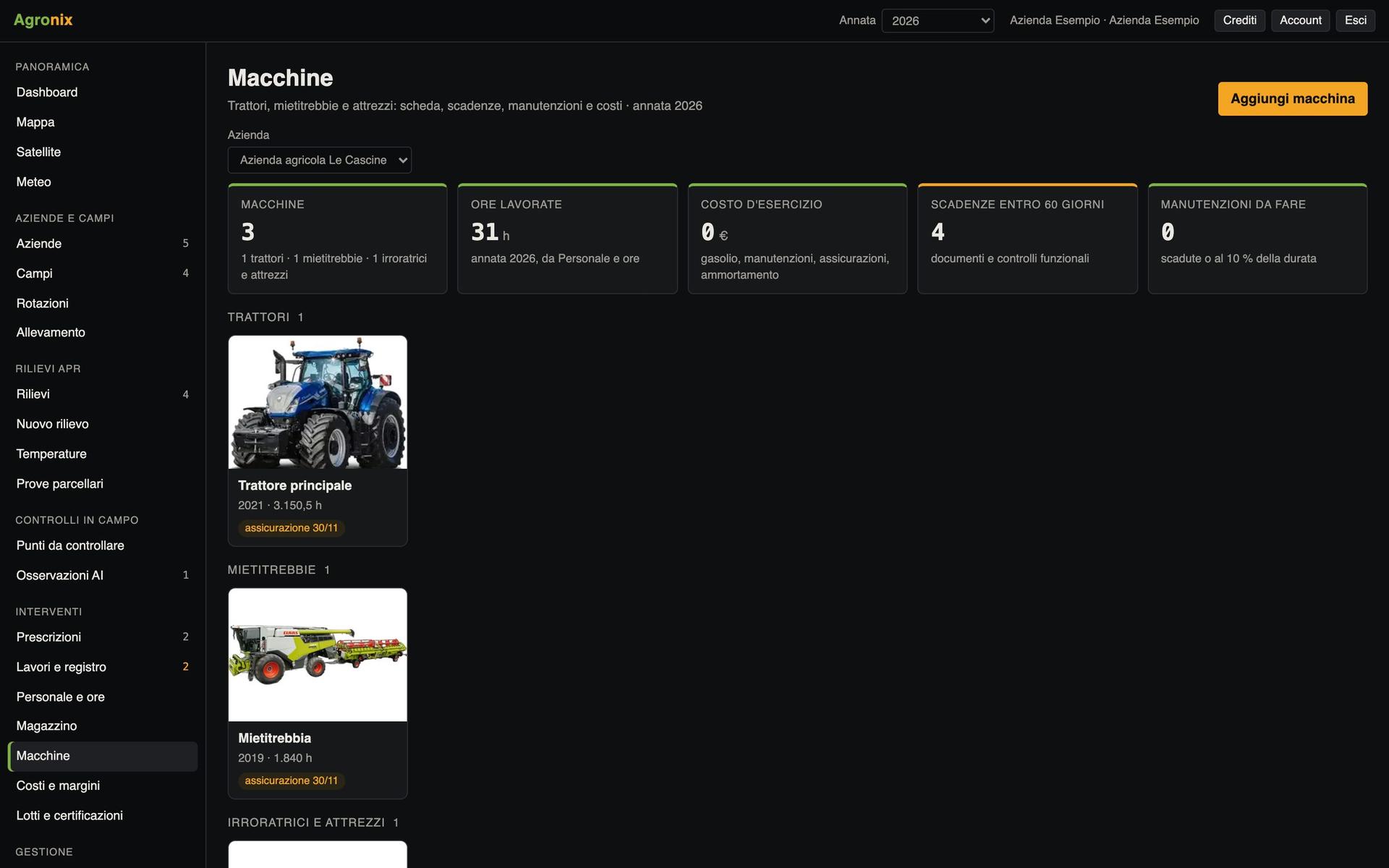
- Hours on machines too
Screens with example data.
How it works
- 01
Add the people
With role and hourly cost.
- 02
Plan the job
Fields, people, day and planned hours.
- 03
Mark done
Draft in the records and everyone's hours.
- 04
Read the summary
Hours and costs, also in Costs and margins.
In detail
- Job sources
- Prescriptions or entered by hand.
- Hours
- Per person, day, farm, fields, type of work and machine.
- Export
- CSV of hours.
- Costs
- Hours times hourly cost, split across fields.
Want to see it on your fields?
An Agronix demo with your farm's data, from survey to records.